SynergyLearn depends on five services I don't control: Firebase, Gemini, Judge0, YouTube and the network in between. Any of them can be slow, rate-limited or down on the morning a student finally sits down to study. Most of the engineering in this project went into one promise: none of those failures should end a study session.
This post walks through how it's built, how each failure is handled, and one more failure I didn't see coming: my own setup guide.
What SynergyLearn is
SynergyLearn is a personalized learning platform for people trying to break into tech. You pick a career path, get a structured roadmap, learn each topic, and practice in a code editor that runs your solution against tests, right in the browser.
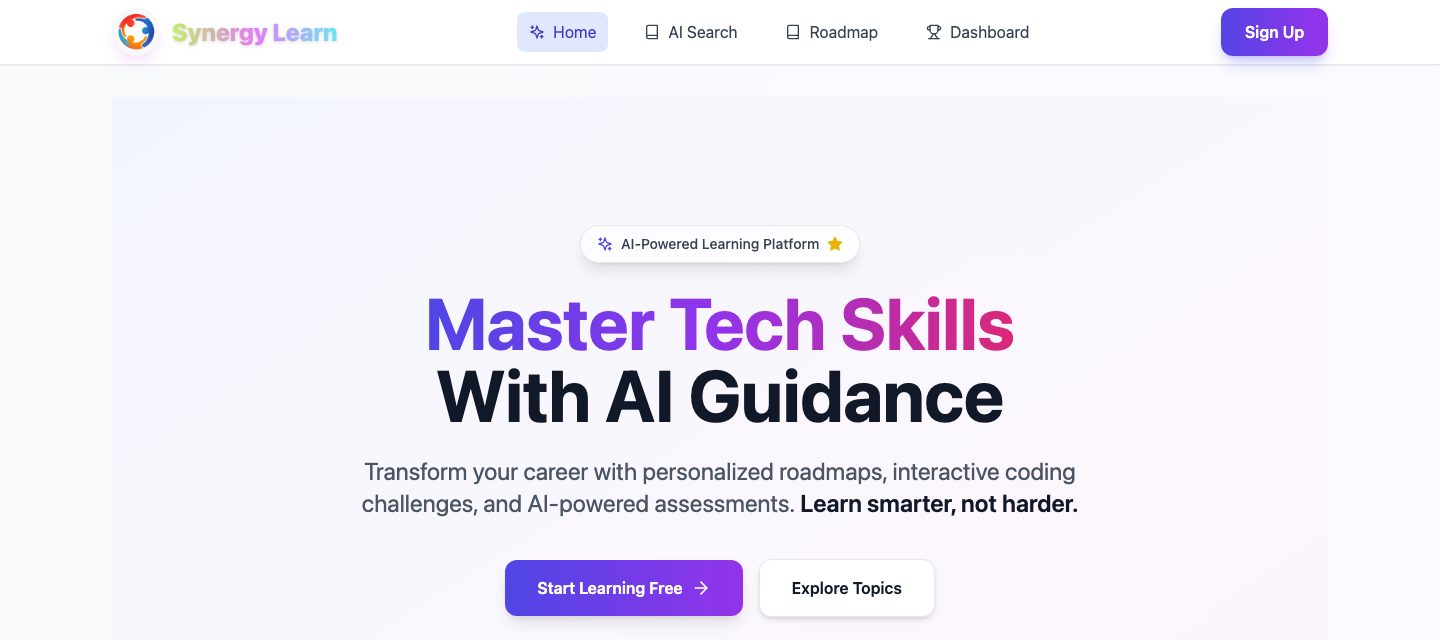
The core loop:
- Choose a path. Full Stack, AI/ML, DevOps, Data Science, and more, each with its own roadmap.
- Learn a topic. Gemini generates topic content, which is sanitized, checked, cached in Firestore, and paired with tutorial videos validated through the YouTube Data API.
- Practice. A Monaco editor (the engine behind VS Code) sends your code to Judge0, which runs it in a sandbox and returns test results.
- Get unstuck. Ask for a hint. Gemini nudges you toward the answer without handing it over.
- Keep going. Progress, streaks, and badges are saved per user.
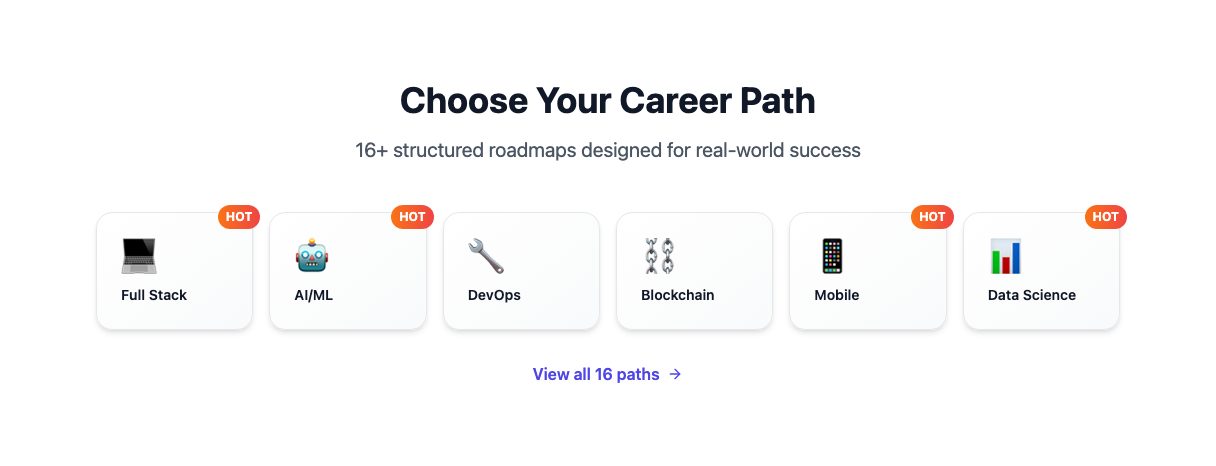
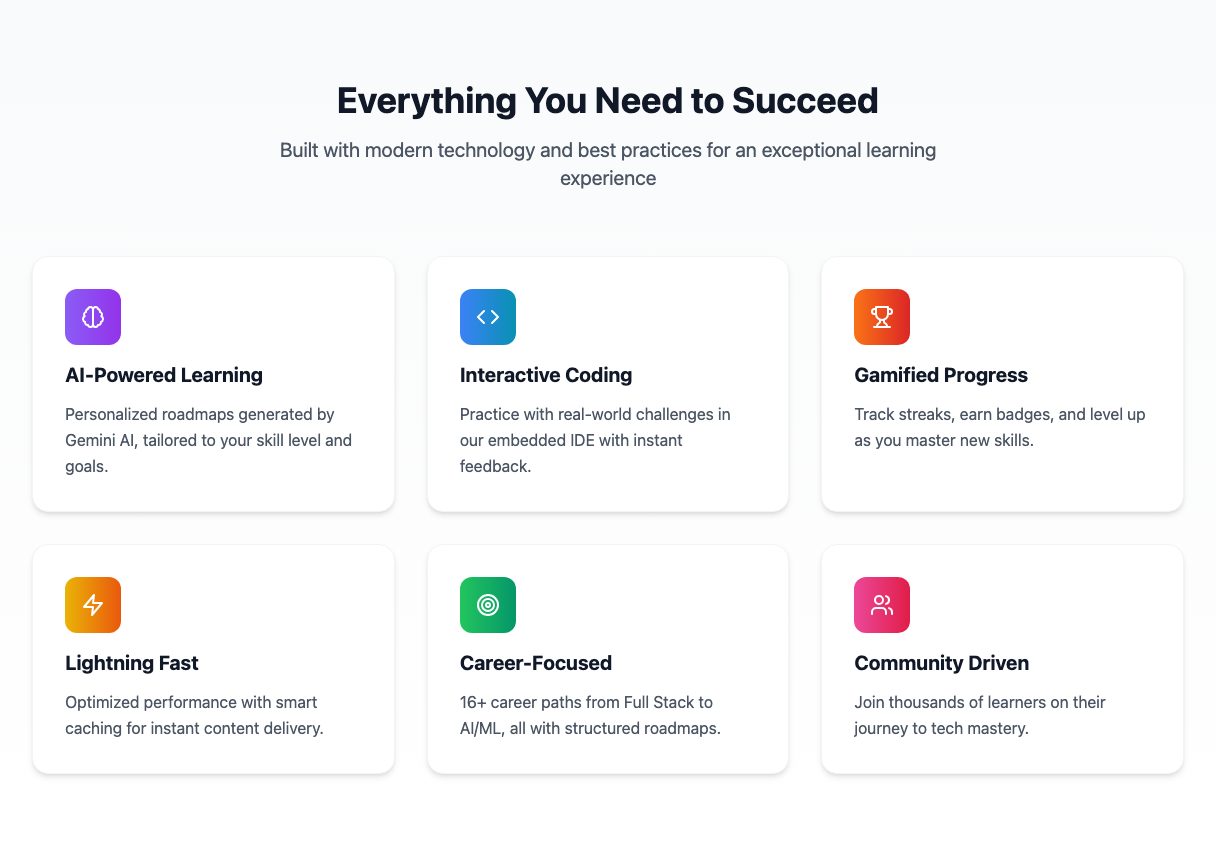
Watch the walkthrough
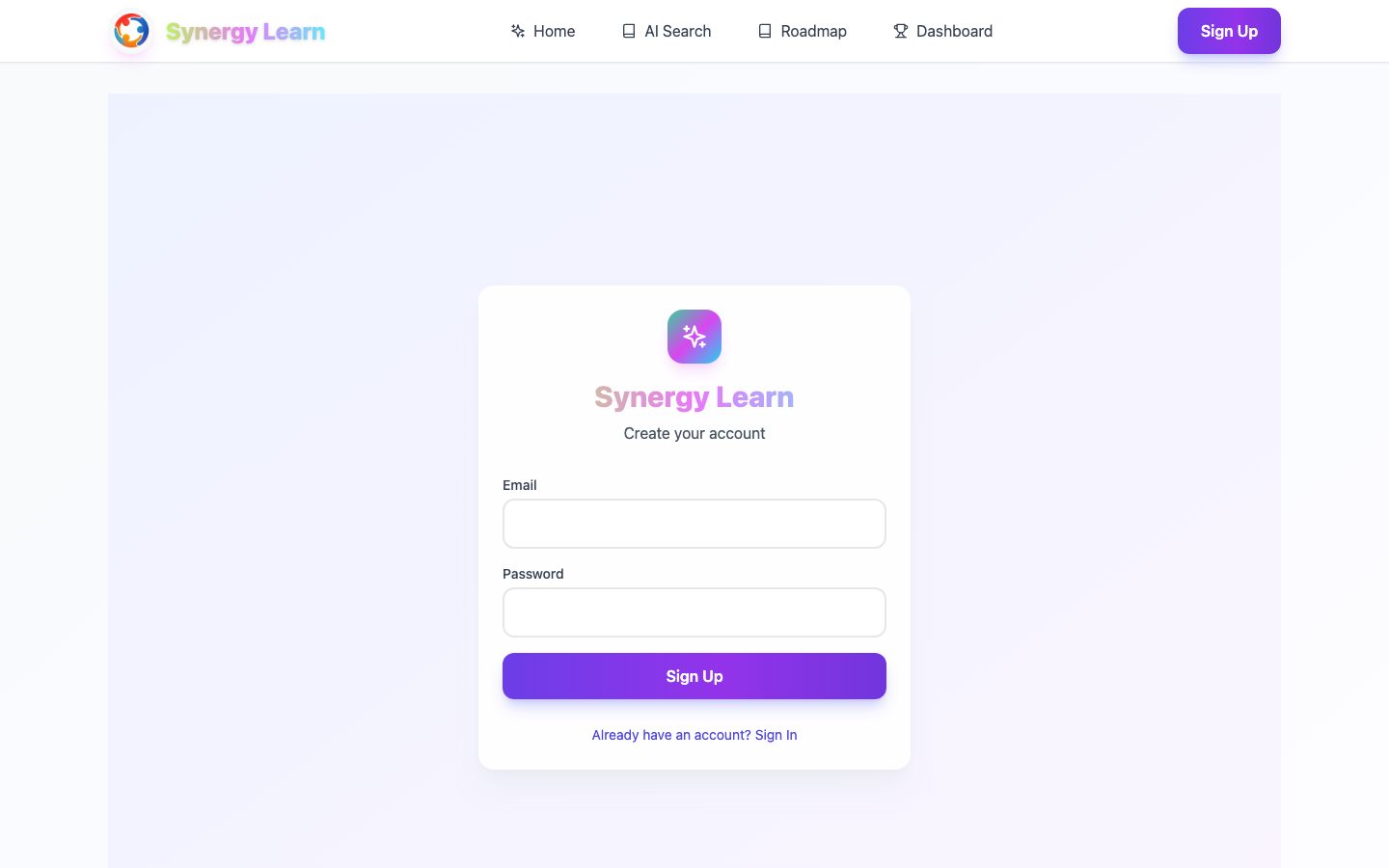
The screenshots stop at the sign-up page. The walkthrough is recorded while signed in, so it shows the parts of the app they can't.
The architecture
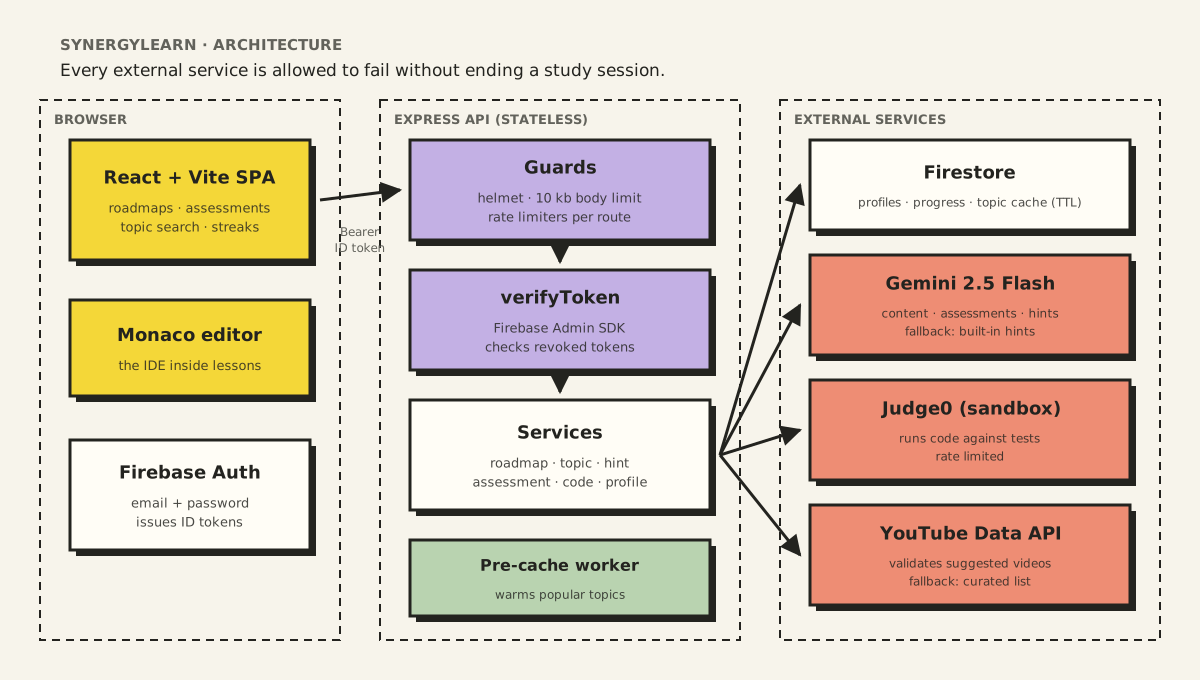
SynergyLearn has three tiers.
- The browser runs a React and Vite single-page app. Monaco (the editor engine behind VS Code) is the in-lesson IDE. Firebase Auth handles sign-up and sign-in and issues an ID token.
- The API is a stateless Express server. Every request carries the ID token as a bearer token. Because the API keeps no session state, it can run as several copies behind a load balancer without coordination.
- External services do the heavy lifting: Firestore stores data, Gemini generates content, Judge0 runs code, and the YouTube Data API checks tutorial links.
What every request passes through
Before any request reaches business logic, it goes through three layers of protection:
- Helmet sets security headers, and the JSON body parser rejects anything over 10 KB. A code submission doesn't need to be larger, and a cap stops someone from posting megabytes to an endpoint that forwards text to a paid API.
- Rate limiters, tuned per route to the cost of what's behind them:
| Route group | Limit per IP | Why |
|---|---|---|
| Gemini content generation | 5 per minute | Gemini's free tier allows 15 per minute; this leaves headroom |
| Assessment generation | 3 per 15 minutes | Each assessment is several expensive model calls |
| Topic search | 10 per hour | Each new topic can trigger a full content generation |
verifyTokenchecks the ID token with the Firebase Admin SDK, including whether it has been revoked, so a user who signs out or changes their password can't keep using an old token. Only then does the request get areq.user, and every read and write to Firestore is scoped to that user.
Running code safely
Students' code never runs on the API server. It goes to Judge0, a sandboxed execution service:
- The editor sends the source, the language and any test input to
/api/run-code. - The API base64-encodes the source and input (so quotes, newlines and Unicode survive the trip intact) and submits them with
wait=true, so the call returns once execution finishes. - The API decodes
stdout,stderrand compiler output, maps Judge0's numeric status to a readable one (accepted, wrong answer, time limit, compile error) and returns it. - On submit, the result is checked against the step's tests, and progress, the submission and the daily streak are saved to Firestore.
When Judge0 rejects a request (for example, because of a missing or exhausted API key), the API returns a 502 error that names the execution service as the cause, instead of a generic failure. The problem is clearly the service, not the student's code.
Every external service is allowed to fail
Here's the full fallback map:
| Service | What can go wrong | What the student sees instead |
|---|---|---|
| Gemini (hints) | Not configured, times out, quota exhausted | A built-in hint, chosen by hint level ("Review your loop boundaries; common issues are off-by-one errors") |
| Gemini (topic content) | Slow or rate-limited | Cached content from Firestore, kept for 24 hours; the 10 most popular topics are pre-generated at startup |
| YouTube Data API | Daily quota used up | A rotating list of curated tutorial videos |
| Judge0 | Rate limit or rejected key | An error that names the execution service as the cause, not a crash |
| Firestore cache | Read or write fails | Content is generated and served anyway; the cache failure is only logged |
Two rules made this work:
Fallbacks are labeled. Every hint response says where it came from, gemini or fallback. The interface never presents a canned hint as if it were personalized. A student who knows a hint is generic will read it differently, and should.
Caching protects the quota, not just the latency. The pre-cache worker generates the ten most popular topics on startup, two seconds apart so it doesn't trip the rate limit itself. Once cached, those topics cost no Gemini calls for 24 hours, no matter how many students open them. On a free tier, that's the difference between working all day and failing by lunch.
Now, the mistake
A few weeks after the first version, I cloned the repository onto a fresh machine and followed my own README. I got stuck three times in ten minutes.
The README wasn't badly written. It was confidently, fluently wrong, which is worse.
Before
This is the original setup section, lightly trimmed:
### 1. Install Dependencies

```powershell
# Server dependencies
cd .\roadmap-mvp\server
npm install
```

### 4. Seed the Roadmap Data

After the server is running, seed the Full Stack Developer roadmap:

```powershell
Invoke-RestMethod -Uri http://localhost:4000/api/seed -Method Post
```

### 5. Verify Setup

Expected response: `{ "ok": true }`
Here's what was wrong with it:
| Problem | Why it matters |
|---|---|
roadmap-mvp\server doesn't exist. The repository has server/ at the root. | Step 1 fails immediately. A reader's first experience is an error. |
| The seed endpoint requires a signed-in user's token, but the command sends none. | Step 4 returns 401 Unauthorized, and nothing tells you why. |
The health check returns { "status": "ok", ... }, not { "ok": true }. | A working setup looks broken, so the reader starts "fixing" things that aren't wrong. |
| Every command is PowerShell-only. | macOS and Linux readers have to translate as they go. |
| No step says what success looks like. | The reader can't tell which step failed, only that something did. |
Each problem is small. Together, they turn a ten-minute setup into an hour of guessing.
After
The rewrite follows a few rules: one action per step, a visible result after every step, commands that work on any OS, and the reason behind anything surprising.
## Run SynergyLearn locally

You need Node.js 18 or later, a Firebase project with Firestore enabled,
and a Firebase service account key (a JSON file).

1. Install the API dependencies.

   ```bash
   cd server
   npm install
   ```

2. Create `server/.env` from the example and add your keys.

   ```bash
   cp .env.example .env
   ```

   Only `FIREBASE_SERVICE_ACCOUNT_JSON` is required. Without
   `GEMINI_API_KEY`, hints fall back to built-in tips.

3. Start the API.

   ```bash
   npm run dev
   ```

   You should see: `Server running on http://localhost:4000`

4. Check that the API is healthy. In a second terminal:

   ```bash
   curl http://localhost:4000/api/health
   ```

   You should see `"status": "ok"`. If `"firebase"` is `false`,
   your service account JSON wasn't loaded; recheck step 2.

5. Install and start the web app.

   ```bash
   cd ../web
   npm install
   cp .env.example .env
   npm run dev
   ```

   Open the URL it prints (usually http://localhost:5173).

6. Create an account on the sign-up page.

   The roadmap seed endpoint requires a signed-in user,
   so seeding happens from the app after you sign in, not from the terminal.
The new version is barely longer. It's just honest about what happens at each step.
What I took away
I wrote that README with AI help, and every sentence in it sounded right. The model was fluent; the instructions were stale. The folder had been renamed, an endpoint had gained authentication, and the health check had grown a richer response. Nobody re-ran the steps.
So now I have a rule: documentation that hasn't been executed is a hypothesis. Every procedure I write gets followed, start to finish, on a machine that isn't mine before anyone else sees it.
The code for SynergyLearn lives in my Learning repository.